.svg)
Why settings matter more on Bambu Lab printers
Bambu Lab printers are fast: often running at 2–4× the volumetric flow of a standard printer. That speed changes the thermal physics of how filament melts and deposits. Settings that work perfectly on a slower machine may under-extrude, string, or delaminate on a Bambu Lab. Understanding the underlying principles is more useful than memorising a table of numbers.
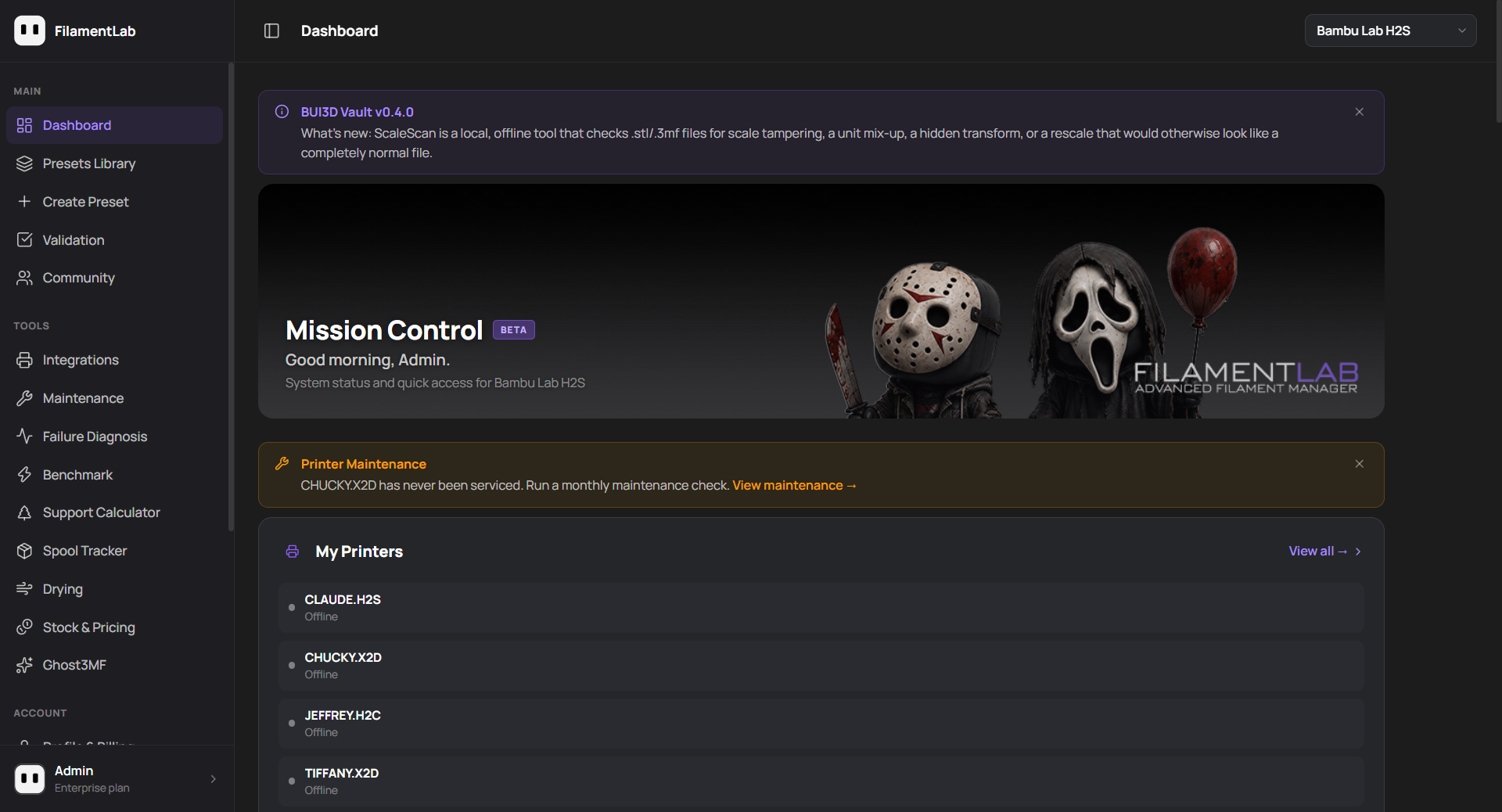
All of the settings below are available as verified presets inside FilamentLab, organised by printer, nozzle diameter and material family, with full thermal strategy notes and failure diagnosis tools built in.
PLA and PLA variants
PLA is the most forgiving material on Bambu Lab printers, but it has one consistent failure mode that catches people out: heat creep. The hotend cooling fan is critical. If the chamber temperature climbs above 35°C, the filament softens too high in the heat break and causes progressive under-extrusion that worsens over time.
Key rules for PLA
- Always vent the chamber: never seal the enclosure for PLA
- Chamber temperature must stay below 35°C throughout the print
- Verify the hotend cooling fan is running at full speed before long prints
- Part cooling at 80–100% after the first few layers
| Parameter | H2S / H2C / H2D | X1C / P1S | A1 / A1 Mini |
|---|---|---|---|
| Nozzle temp | 210–220°C | 210–220°C | 210–220°C |
| Bed temp | 55–60°C | 55–60°C | 55–60°C |
| Bed surface | Textured or smooth PEI | Textured or cool plate | Textured or cool plate |
| Enclosure | Open / vented | Open / vented | N/A (open frame) |
| Thermal strategy | Standard cooling | Standard cooling | Standard cooling |
| Max MVS (0.4mm) | ~16 mm³/s | ~18 mm³/s | ~16 mm³/s |
PETG and PETG variants
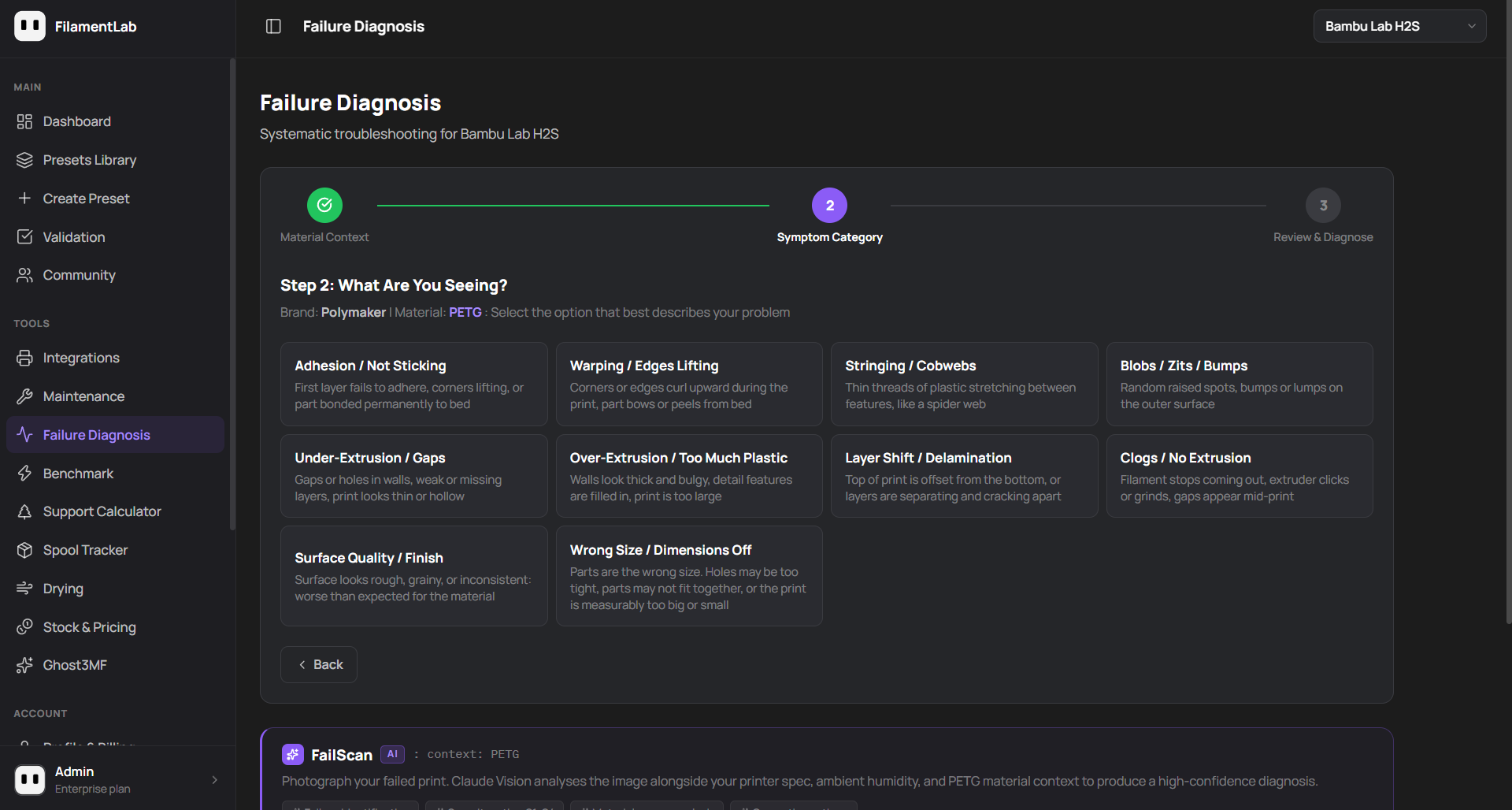
PETG is the second most popular material and the one people most commonly get wrong. The two biggest issues are stringing (often caused by retraction settings from Bowden printers being used on direct drive), and bed adhesion that is either too weak or, more commonly, too strong, making parts impossible to remove without damaging the plate.
Key rules for PETG
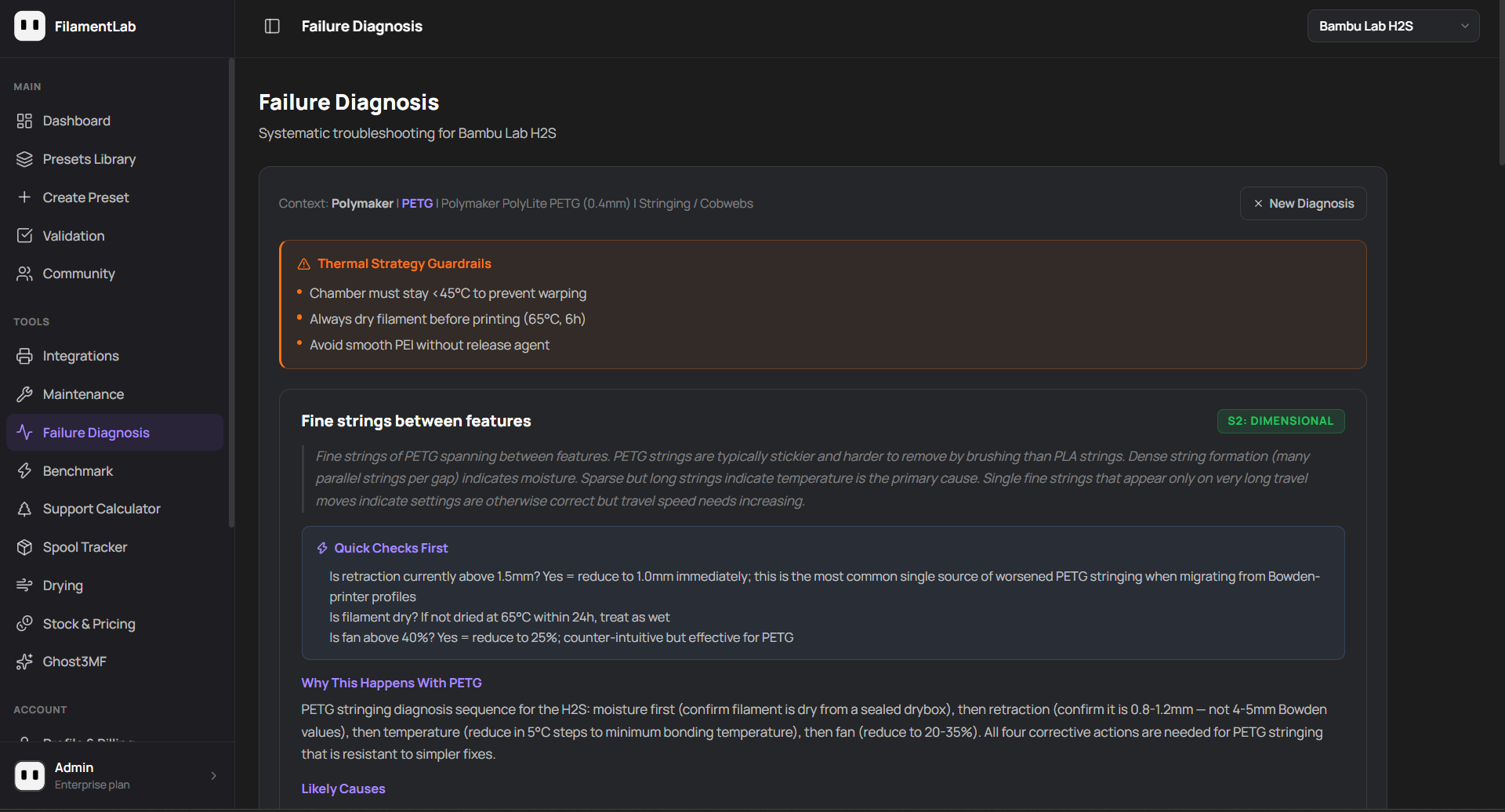
- On direct drive (H2S, H2C, H2D): retraction should be 0.8–1.2mm, never the 4–5mm values used on Bowden printers
- Part cooling at 20–40%: PETG needs less cooling than PLA
- Avoid smooth PEI without a release agent: PETG bonds permanently to it
- Dry filament at 65°C for 6 hours before use if stored open
Using Bowden retraction values (4–5mm) on H2S or H2C direct drive printers is the single most common cause of PETG stringing and under-extrusion gaps. The correct range is 0.8–1.2mm.
| Parameter | H2S / H2C / H2D | X1C / P1S | A1 / A1 Mini |
|---|---|---|---|
| Nozzle temp | 240–250°C | 240–250°C | 235–245°C |
| Bed temp | 70–80°C | 70–80°C | 65–75°C |
| Bed surface | Textured PEI | Textured PEI | Textured PEI |
| Retraction (direct) | 0.8–1.2mm | 0.5–1.0mm | 0.5–1.0mm |
| Part cooling | 20–40% | 20–40% | 25–45% |
| Max MVS (0.4mm) | ~14 mm³/s | ~16 mm³/s | ~14 mm³/s |
ABS and ASA
ABS and ASA are where the enclosed Bambu Lab printers earn their keep. Both materials need a warm, enclosed chamber to prevent warping: open-frame printers like the A1 series cannot reliably print large ABS or ASA parts. The H2 series (H2S, H2C, H2D) heats its chamber actively, while the X1C and P1S warm theirs passively from the bed, so on those printers a 10 minute heat soak with the door and lid closed before the first layer matters even more.
Key rules for ABS/ASA
- Chamber should reach and hold 45–55°C throughout the print (actively heated on the H2 series, heat soaked on X1C / P1S)
- Heat soak the chamber for 10 minutes before starting
- Zero or minimal part cooling fan (0–20%)
- Engineering plate or PEI with adhesive for bed adhesion
| Parameter | H2S / H2C / H2D | X1C / P1S |
|---|---|---|
| Nozzle temp | 255–270°C | 255–265°C |
| Bed temp | 90–100°C | 90–100°C |
| Chamber target | 45–55°C | As warm as a closed heat soak allows |
| Part cooling | 0–15% | 0–15% |
| Thermal strategy | Active chamber heating | Passive: heat soak, door and lid closed |
PA-CF and engineering materials
Carbon fibre reinforced nylons require the most preparation of any common desktop material. They are extremely hygroscopic: a spool left open for 24 hours in a typical workshop will absorb enough moisture to cause extrusion problems. Printing from an actively heated drybox is not optional for reliable PA-CF results.
Key rules for PA-CF
- Dry at 80°C for 8–12 hours and print directly from a heated drybox
- Hardened steel nozzle is mandatory: carbon fibre destroys brass within 200–400g
- A chamber at 60–65°C gives the most reliable results: only actively heated printers like the H2 series can hold that
- Apply Magigoo PA or equivalent adhesion promoter to the bed
- Add a 10–12mm brim on all parts
- Zero part cooling fan
A standard brass nozzle will show measurable wear after 200–400g of PA-CF. Always use a hardened steel or ruby-tipped nozzle. Printing PA-CF through brass will eventually cause under-extrusion that cannot be fixed by settings changes alone.
| Parameter | H2S / H2C / H2D | X1C / P1S |
|---|---|---|
| Nozzle temp | 270–285°C | 270–280°C |
| Bed temp | 85–100°C | 85–95°C |
| Chamber target | 60–65°C | Passive only: heat soak, small parts |
| Part cooling | 0% | 0% |
| Nozzle type | Hardened steel | Hardened steel |
| Drying | 80°C / 8–12h / active drybox | 80°C / 8–12h / active drybox |
The consistent principles
Across all material families, the settings that cause the most problems are usually the same ones: chamber temperature management, retraction values inherited from different printer types, and moisture that has been in the filament long enough to affect results but not long enough to be obvious. Getting these three right resolves the majority of common print failures before they start.
For printer-specific and brand-specific presets with full thermal strategy notes, flow calibration data and failure diagnosis tools, FilamentLab covers the full Bambu Lab lineup including the H2S, H2C, H2D, X1C, P1S, P2S, A1 and A1 Mini.
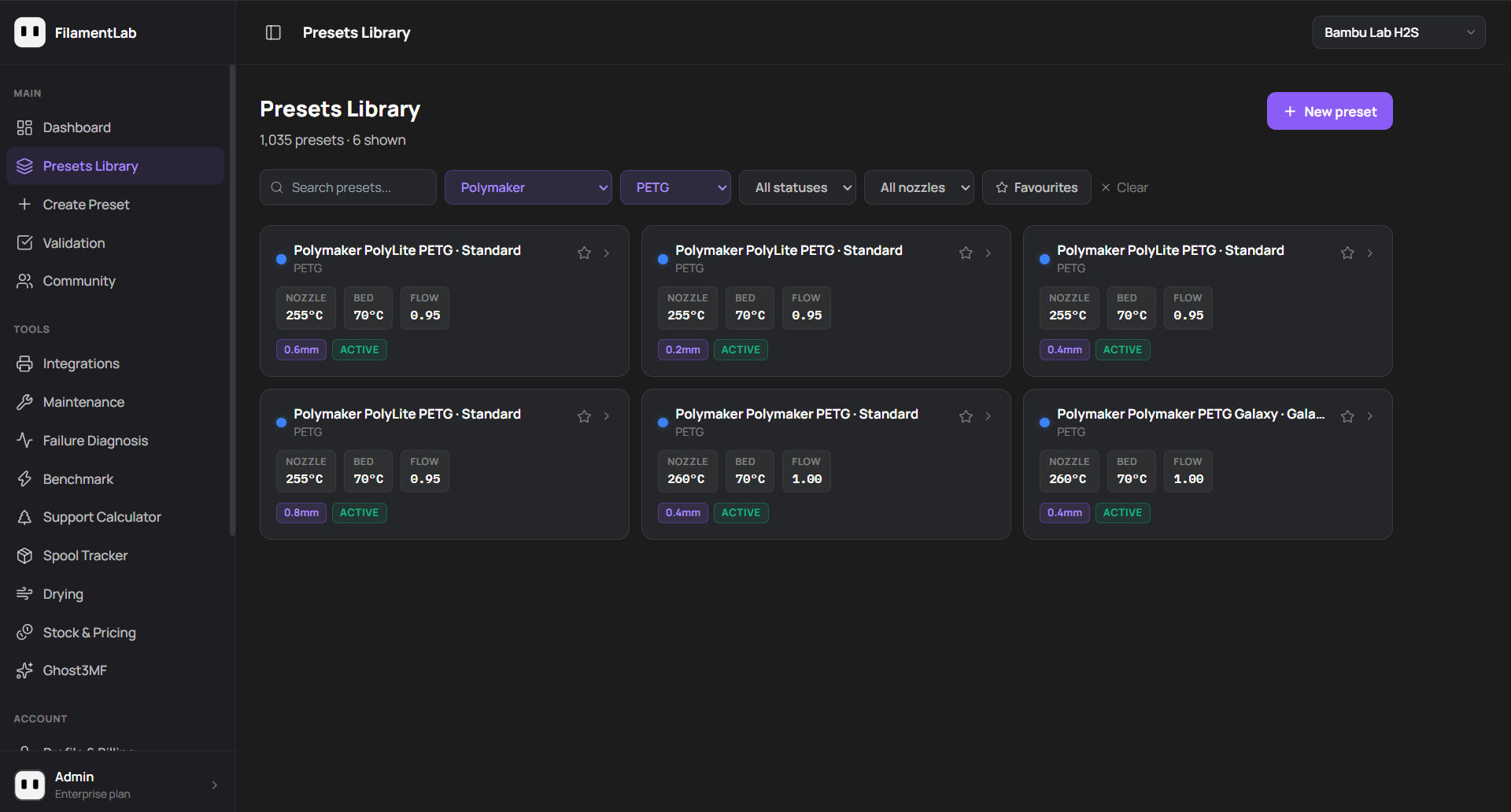
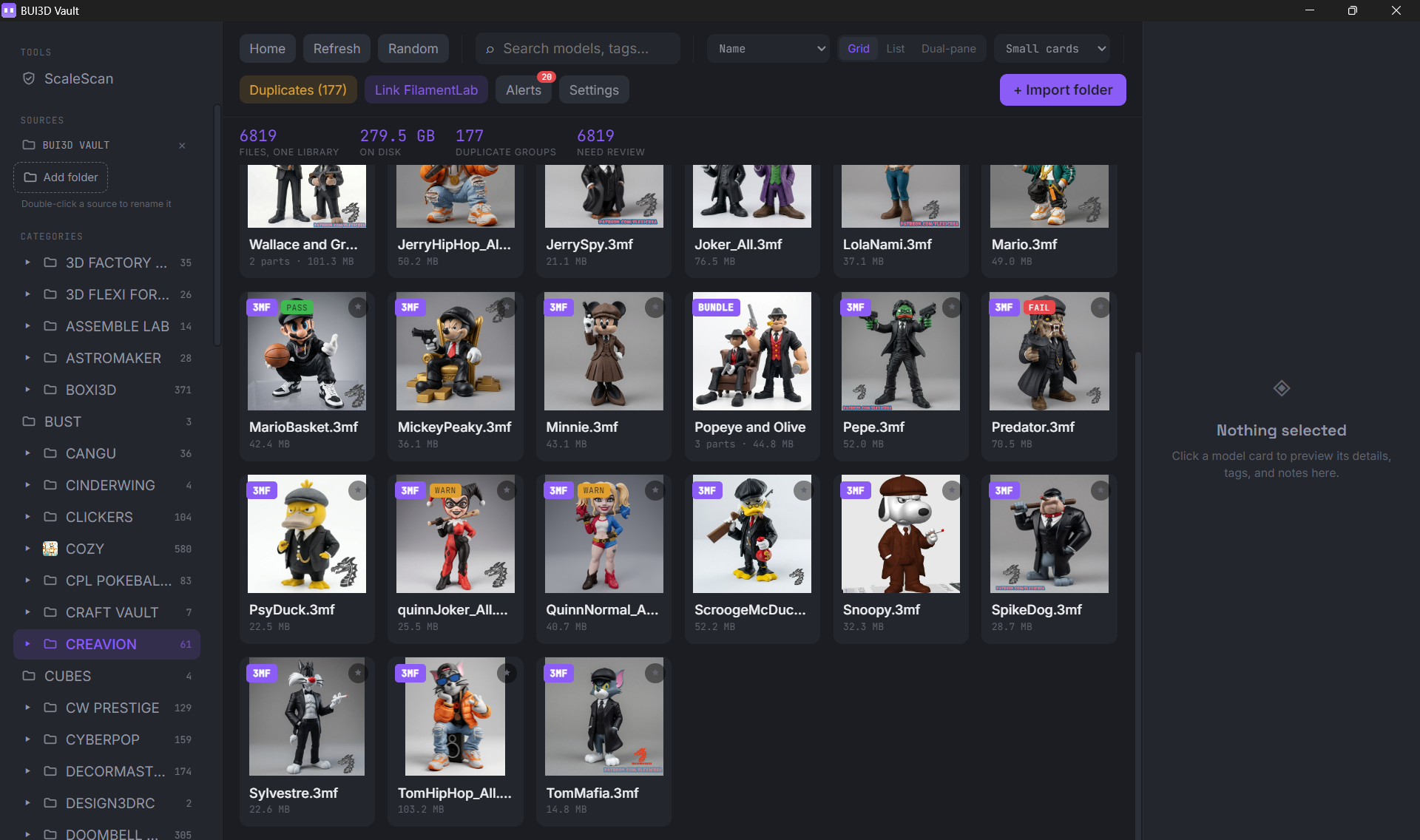
A FilamentLab subscription also includes BUI3D Vault, a downloadable desktop app for managing your local print file library: it catches duplicate files across folders and flags models with a tampered or unexpected scale before they waste a print.
Get verified presets for every Bambu Lab printer
FilamentLab has over 1,000 verified filament presets covering PLA, PETG, ABS, ASA, PA-CF, PC, TPU and more, with AI failure diagnosis, live humidity monitoring, spool tracking and BUI3D Vault all included.
Explore FilamentLab